Baby’s first year photo book
Baby’s first year photo book you don’t have to make
Twelve months, a spread for each, from the hospital to the cake. BabyBookAI builds it from the photos already on your phone, so there’s nothing to keep up with during the year.


Free to download. You only pay for the printed book.
07 Months
Sep 3 – Oct 2




Month by month
A monthly baby photo book, without the monthly photo shoot
No milestone cards, no setting up the same shot on the same blanket every month. The book follows the photos you took anyway, in the order you took them. Every baby keeps their own calendar.
Page 1
The day they were born
Month 1
Coming home
Month 2
The first real smiles
Month 3
Tummy time
Month 4
Laughing out loud
Month 5
Grabbing everything
Month 6
A first taste of food
Month 7
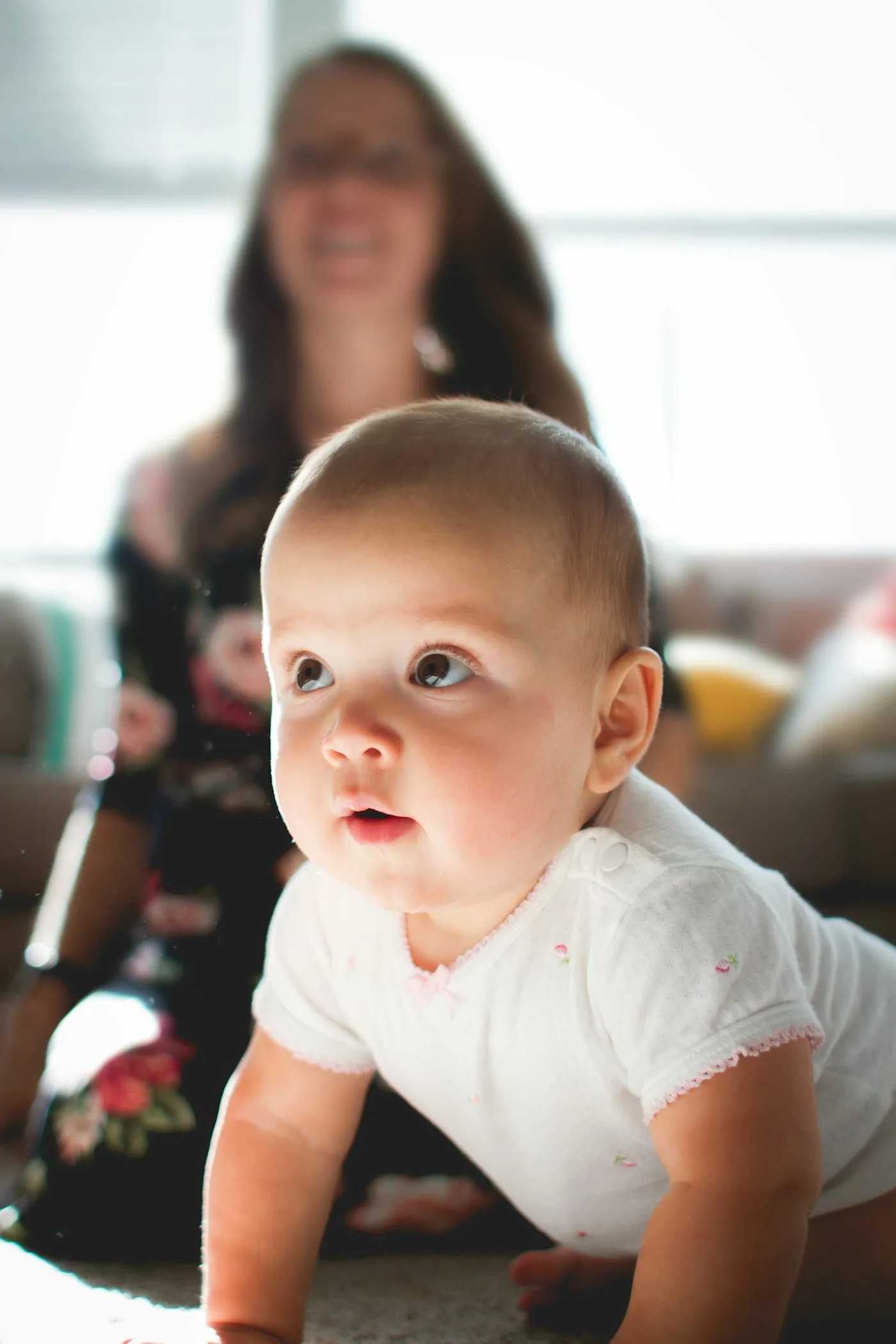
Sitting up
Month 8
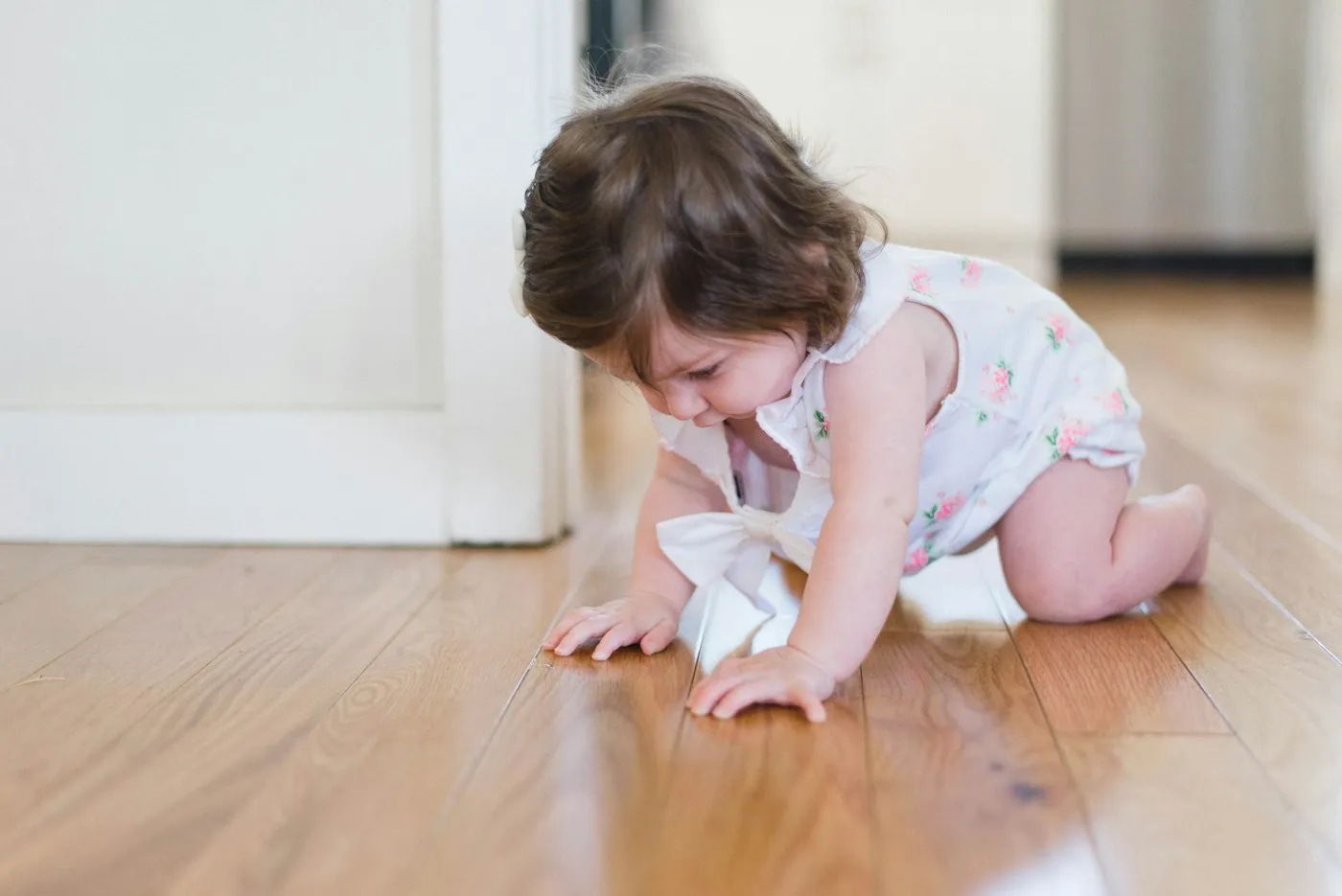
On the move
Month 9
Peekaboo
Month 10
Pulling up to stand
Month 11
Almost walking
Month 12
The first birthday
Last page
And then they were one
Why most first year books never get finished
A fill-in baby book asks you to print, glue and write every month. A weekly baby book app asks for a few minutes every week, fifty-two weeks in a row. Neither sounds like much, until it’s month five, you’re sleeping in two-hour shifts, and the book is three weeks behind.
The photos, though, kept coming. You never stopped taking them. BabyBookAI starts there: when the year is over, it reads your camera roll and makes the book from what you already have. Your part takes minutes, once.
- Fill-in memory book
- Every month
- Weekly baby book app
- 52 weeks
- BabyBookAI
- Once, in minutes
How it works
How the first year photo book gets made
Tell it the name and the dates
Your baby’s name goes on the cover. Most books start on the day they were born and end on the first birthday.
It reads your camera roll
On your phone, it finds that year’s photos, drops the blurry ones and the near-duplicates, keeps the best of every moment and sorts them month by month.
Flip through, swap, order
The book is laid out for you. Swap any photo you don’t love, change the words if you like, and the hardcover is printed and shipped to your door.
In time for the first birthday
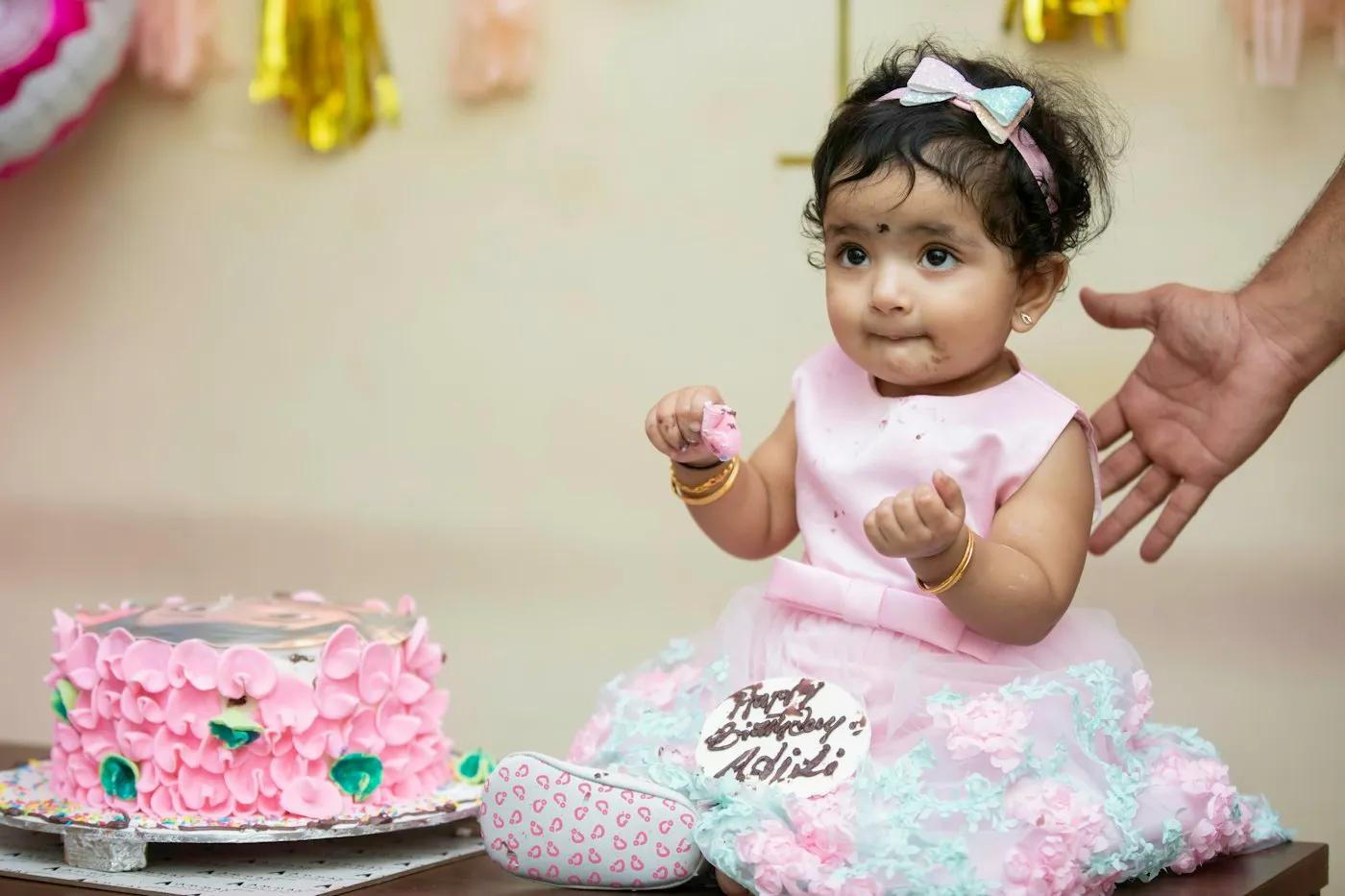
You choose the dates, so the book can close the week of the party, or the day after it. Thin months are fine: the layout follows the photos, and a month with one great shot gets a page made for one. Want to go past the first year? A book can cover up to 18 months.
First year photo book questions
When should I make the first year photo book?
Any time after the first birthday, or before it if you want the book for the party: you choose the dates the book covers. Because BabyBookAI reads the photos you already have, there is nothing to keep up with during the year.
What if I have only a few photos of some months?
The layout follows the photos. A month with dozens of good ones gets a full spread; a month with one great photo gets a page made for one photo. On iPhone, BabyBookAI also checks iCloud Photos for months with few photos on the phone.
Can the book start later than birth, or cover more than a year?
Yes. Most books run from birth to the first birthday, but you pick the day it starts and how long it runs: 6, 12 or 18 months, with a spread for each month.
What goes on the first and last pages?
The first page has the day your baby was born, with a little drawing of a stork carrying a bundle. The last page closes the year with a first birthday cake.
Do I need to add photos every week?
No. That is the point of BabyBookAI: it works from the photos already on your phone, so there is no weekly upload and nothing to fall behind on.
Make the book in minutes. Keep it for good.
Download BabyBookAI, give it your baby’s name and dates, and see their first year laid out before your coffee gets cold.
Free to download. You only pay for the printed book.